tldr:
* I installed console-only Debian on an old laptop (no desktop OS at all)
* I added some packages to make it work better for writing:
* network-manager for connecting to hotspots while I'm away
* kmscon for custom fonts and more than 16 colors in the tty
* tmux for a nice status


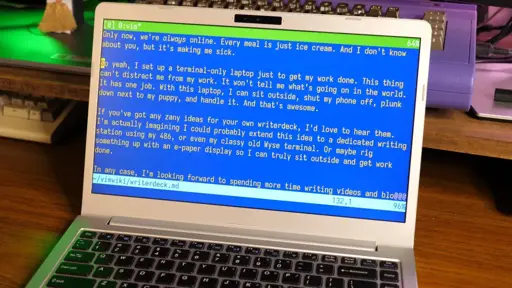
I did something like that, but as I’m a Linux n00b (even if I was a Linux-only user for something like 5 years now) it’s far simpler than that. I don’t use a multiplexer, I simply use more than one TTY, and emacs’ buffers. But I may install
kmscon!If you haven’t yet run into emacs’s frames, you may find that useful, unless you explicitly want to also use the Linux virtual consoles for other reasons. In a GUI environment, emacs frames are normally represented by another X11/Wayland window. In a TUI environment, they look kinda like a virtual console.
Each frame contains a set of emacs windows (what a lot of present-day GUI software calls “panes”) laid out to display whatever buffers you want. You can have a buffer shown in a window in multiple frames if you want.
https://www.gnu.org/software/emacs/manual/html_node/emacs/Frames.html
Some basic operations:
C-x 5 2Creates a new frameC-x 5 oSwitches to another frameC-x 5 0Destroys current frameYou can also produce a similar effect by running an emacs instance in daemon mode, and then using emacsclient to attach to that daemon instance on different Linux virtual consoles, if you prefer the multiple-VC approach. One emacs instance and set of buffers, but can have different windows in different layouts showing them and switch between them.